Analog Horror Video Prompts
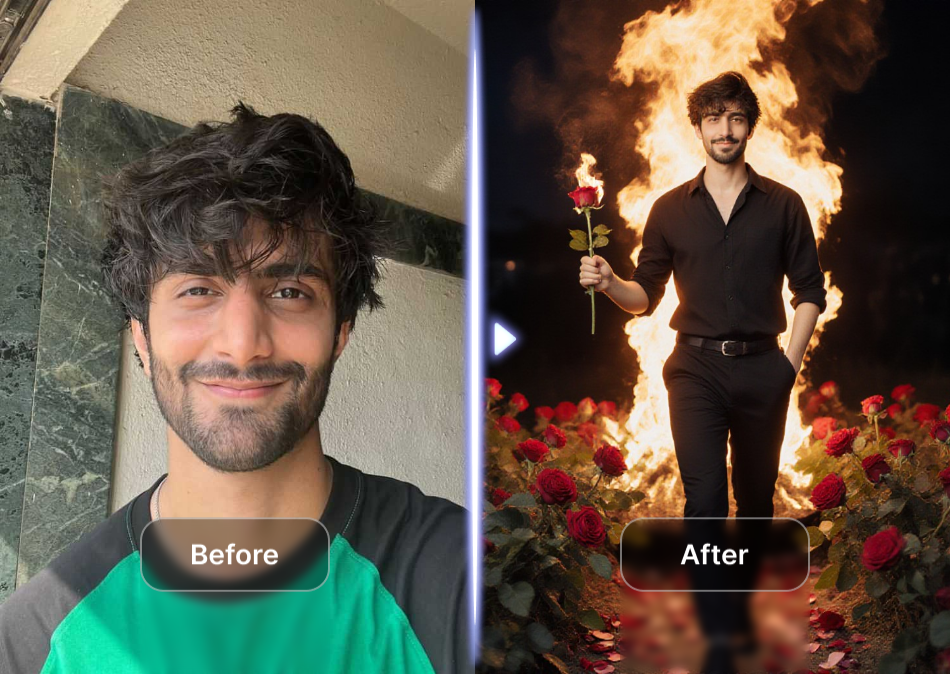
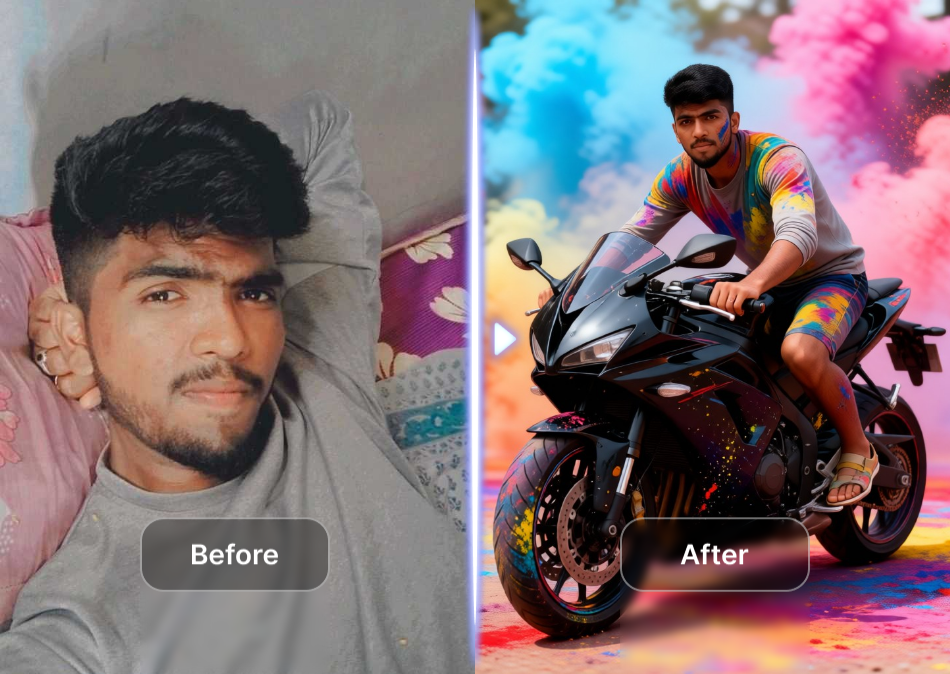
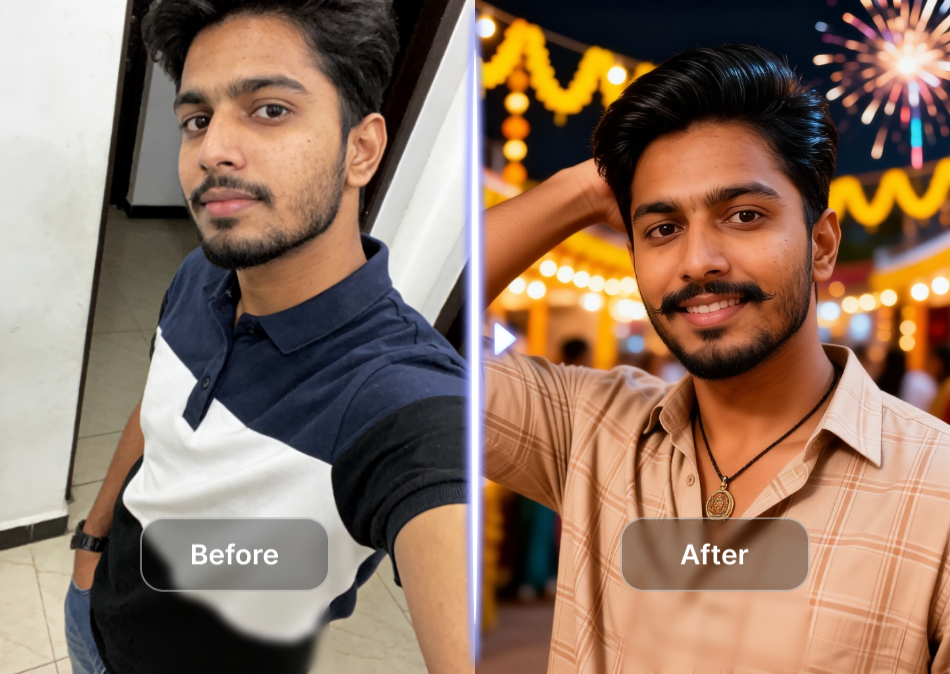
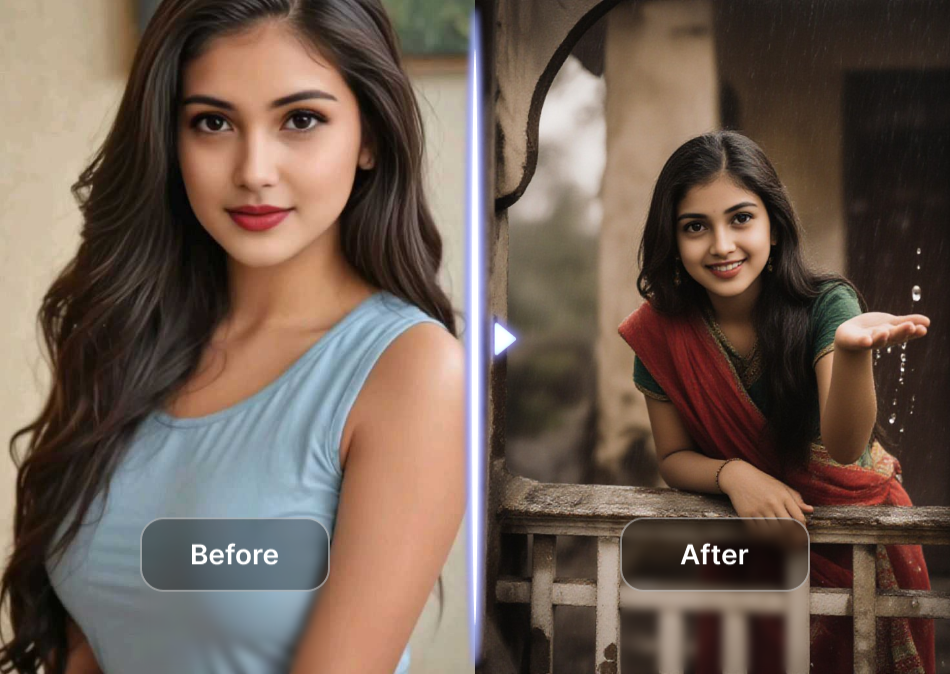
Choose an Analog Horror Style Filter
Browse VHS grain, found footage, broadcast signal, and glitch filters to match your creepy vision.
How to Generate Analog Horror Videos
Create a creepy analog horror clip in three simple steps using the dreamcove mobile app.

Step 01.
Download the dreamcove app from Google Play and open it on your phone.

Step 02.
Pick a VHS distortion, glitch, or found footage filter and type your analog horror video prompt.

Step 03.
Generate your creepy clip, then download and share it on TikTok, YouTube, or Instagram.
Key Features for Analog Horror Creators
Dreamcove gives you the right tools to turn ordinary scenes into unsettling found footage and VHS nightmare material.
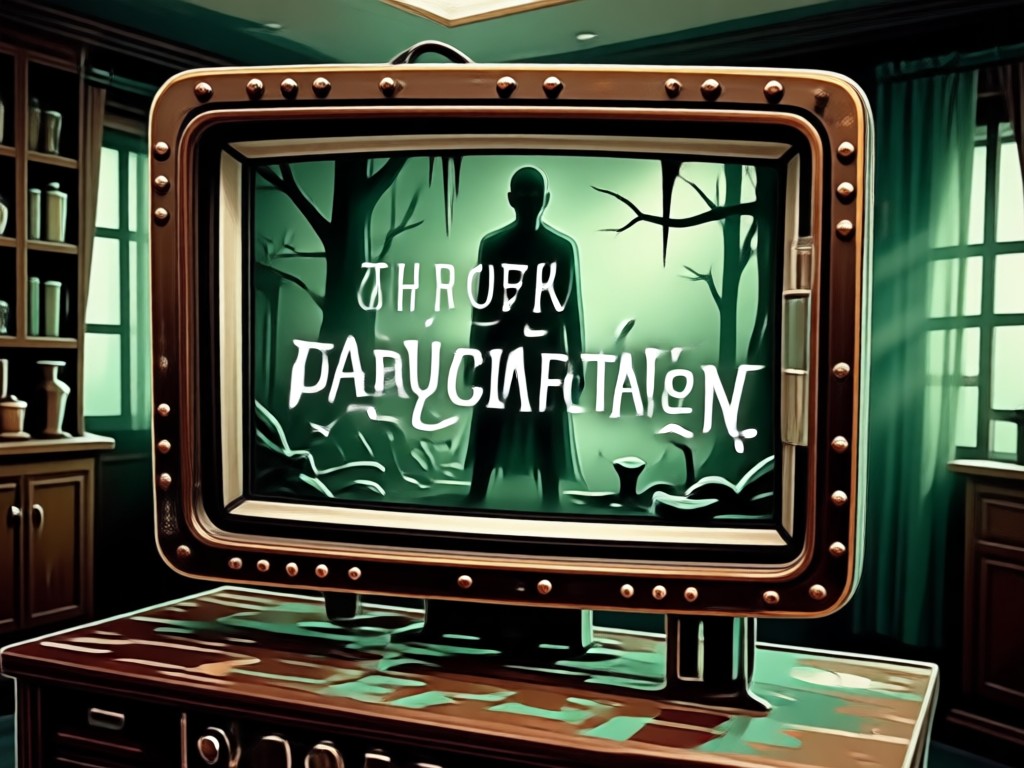
Text to Video Horror Prompts
Type a short description of a creepy scene and turn it into a grainy analog horror video. No complex prompt engineering needed.
Text to Video Horror Prompts
Type a short description of a creepy scene and turn it into a grainy analog horror video. No complex prompt engineering needed.
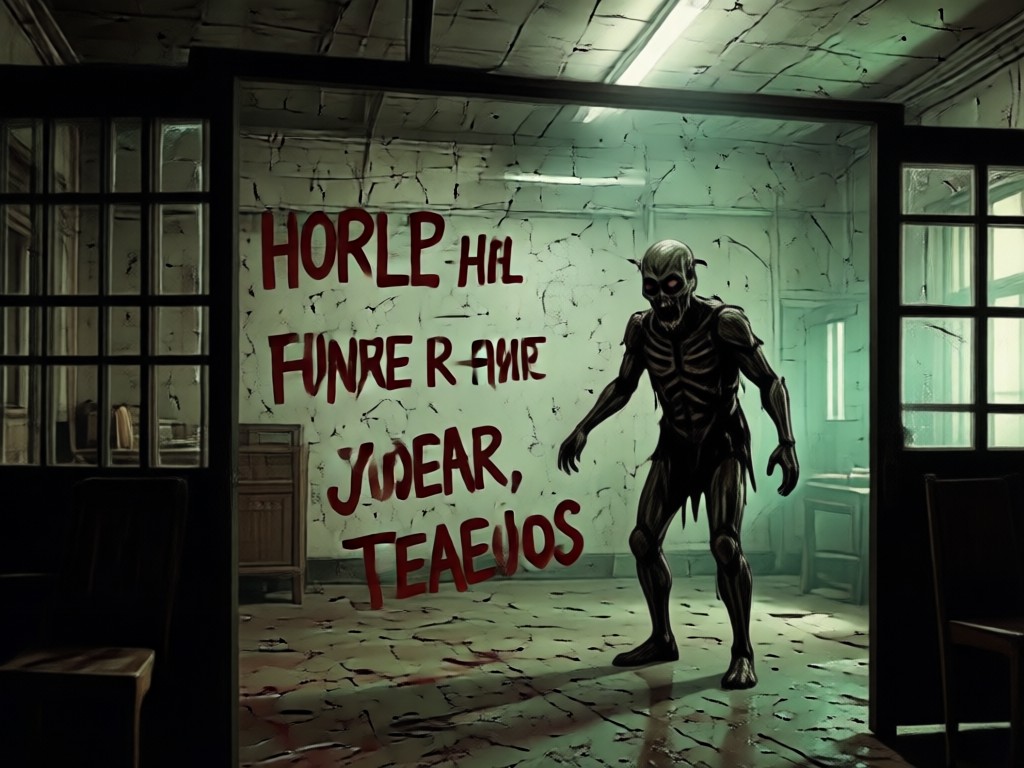
Image to Video Animation
Upload a still photo of an empty hallway or old portrait, then watch it blink, distort, or shift with VHS tracking errors.
Image to Video Animation
Upload a still photo of an empty hallway or old portrait, then watch it blink, distort, or shift with VHS tracking errors.
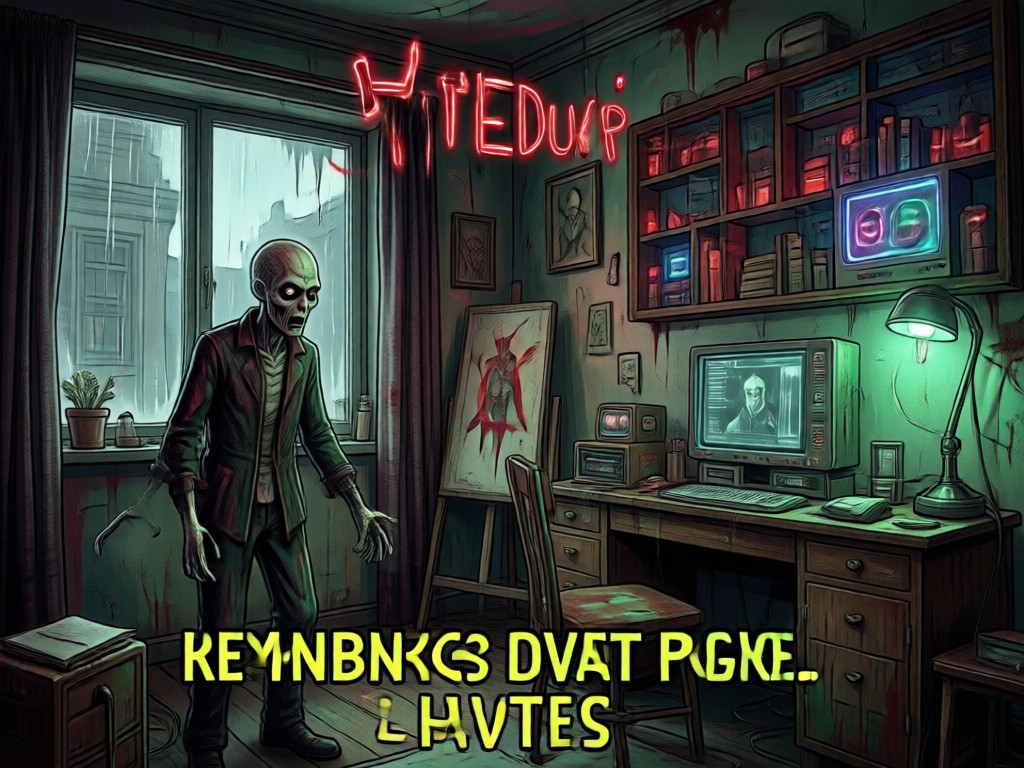
Viral Horror Style Filters
Apply VHS grain, chromatic aberration, scanlines, and broadcast signal intrusion effects in one tap for authentic analog dread.
Viral Horror Style Filters
Apply VHS grain, chromatic aberration, scanlines, and broadcast signal intrusion effects in one tap for authentic analog dread.
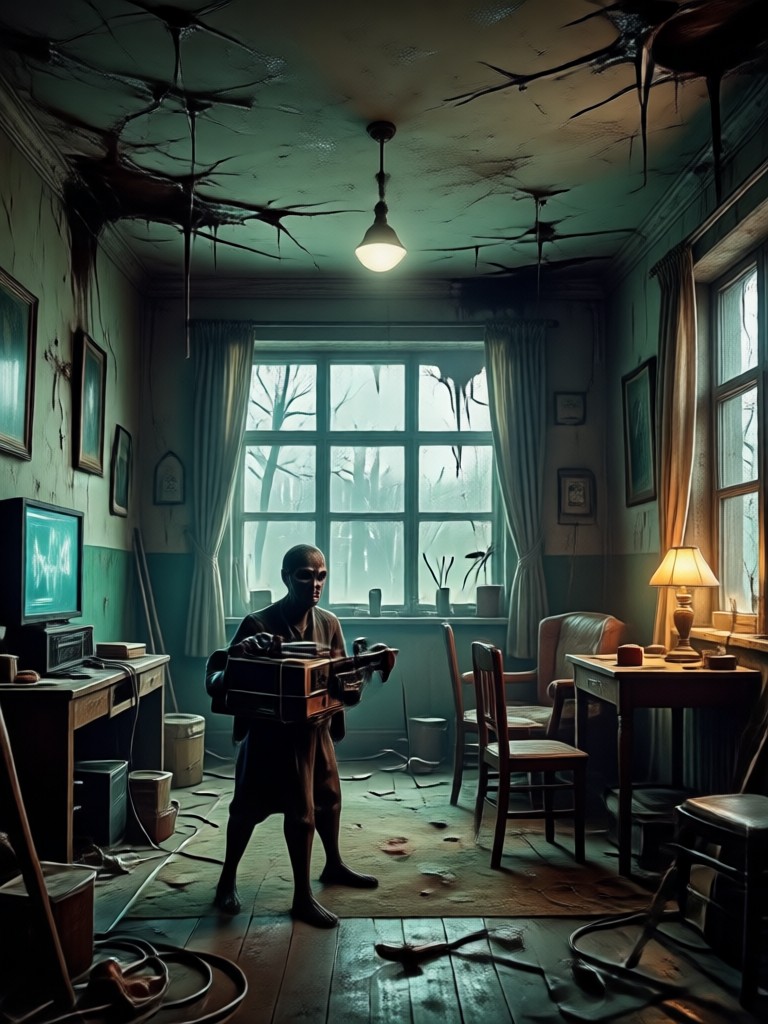
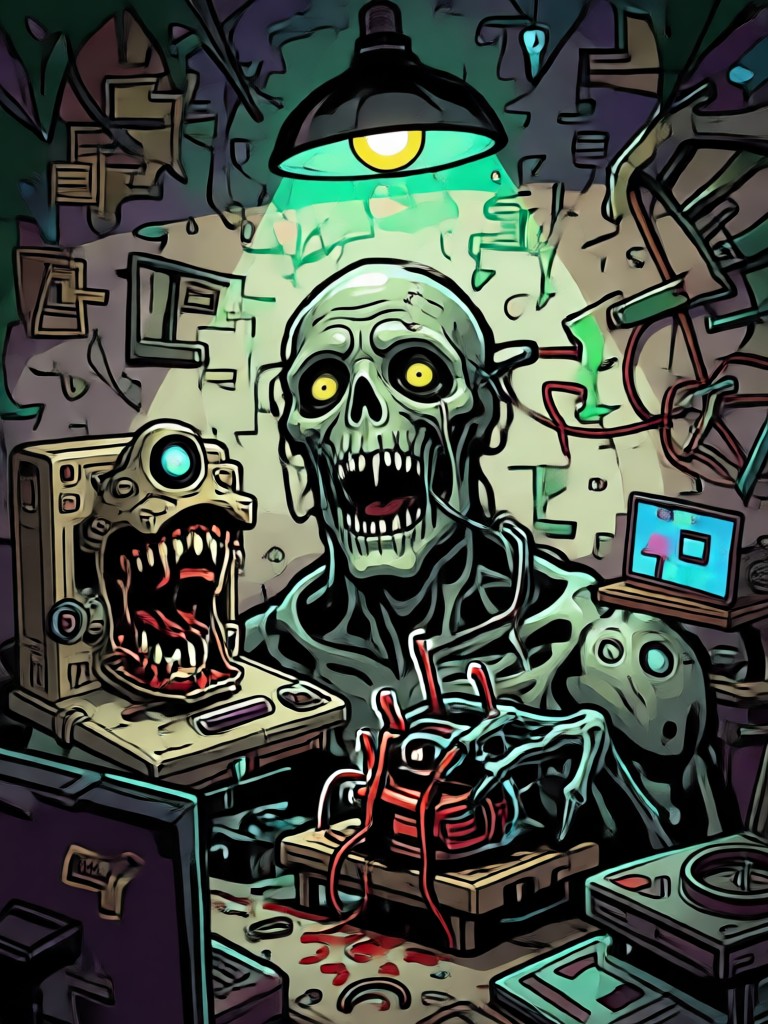
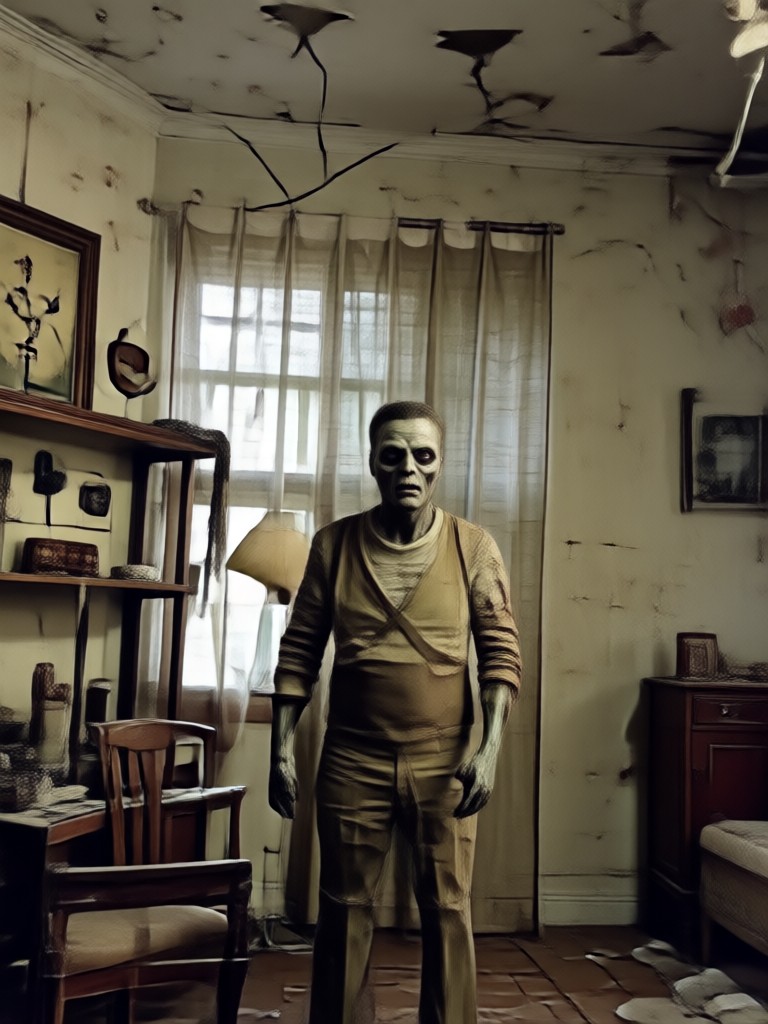
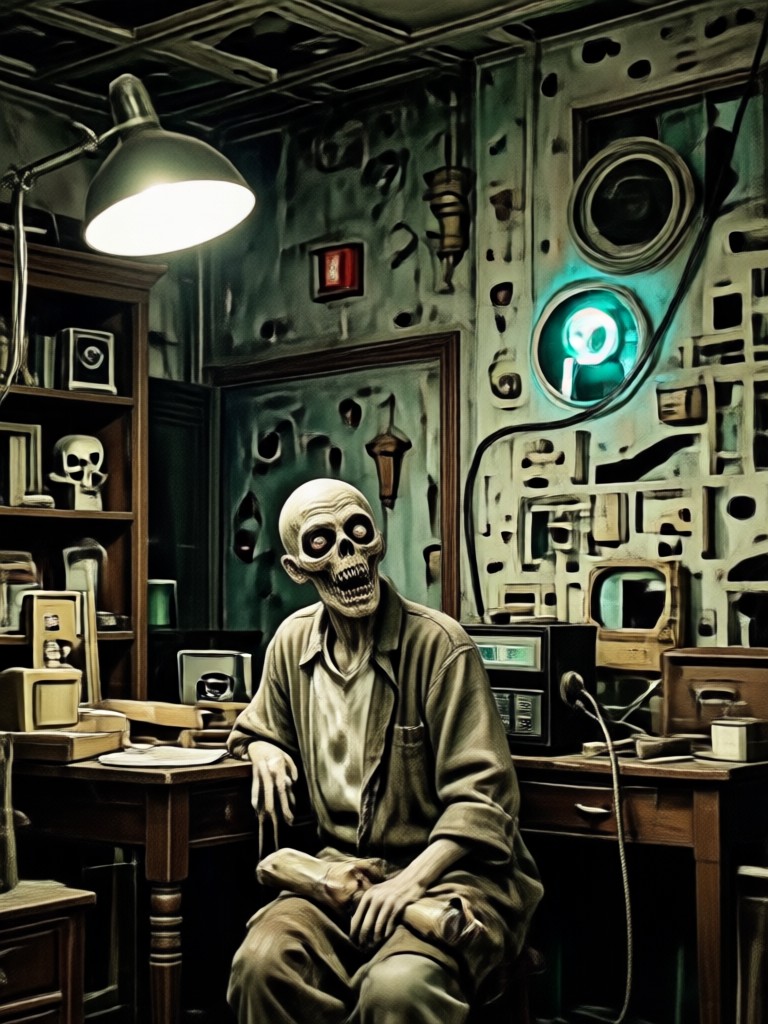
Analog Horror Style Samples
Browse sample outputs you can recreate with these analog horror video prompts. Each style works with text to video and image to video.
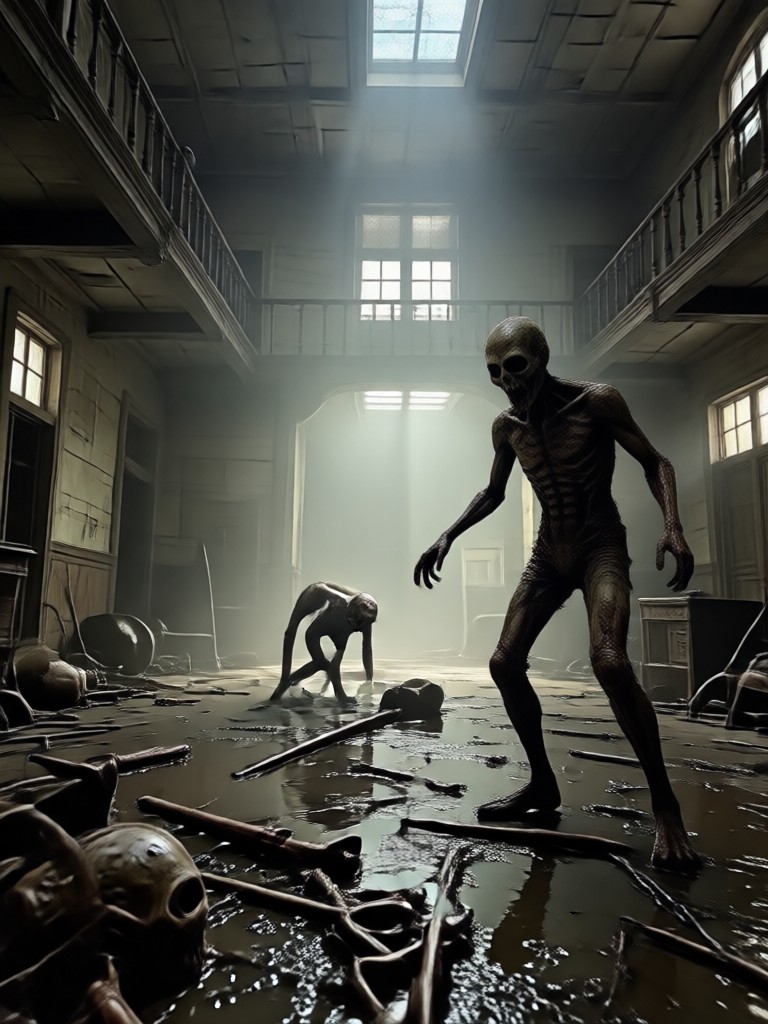
Why Use dreamcove for Analog Horror
Create convincing analog horror videos without desktop editing software or complex VFX workflows.
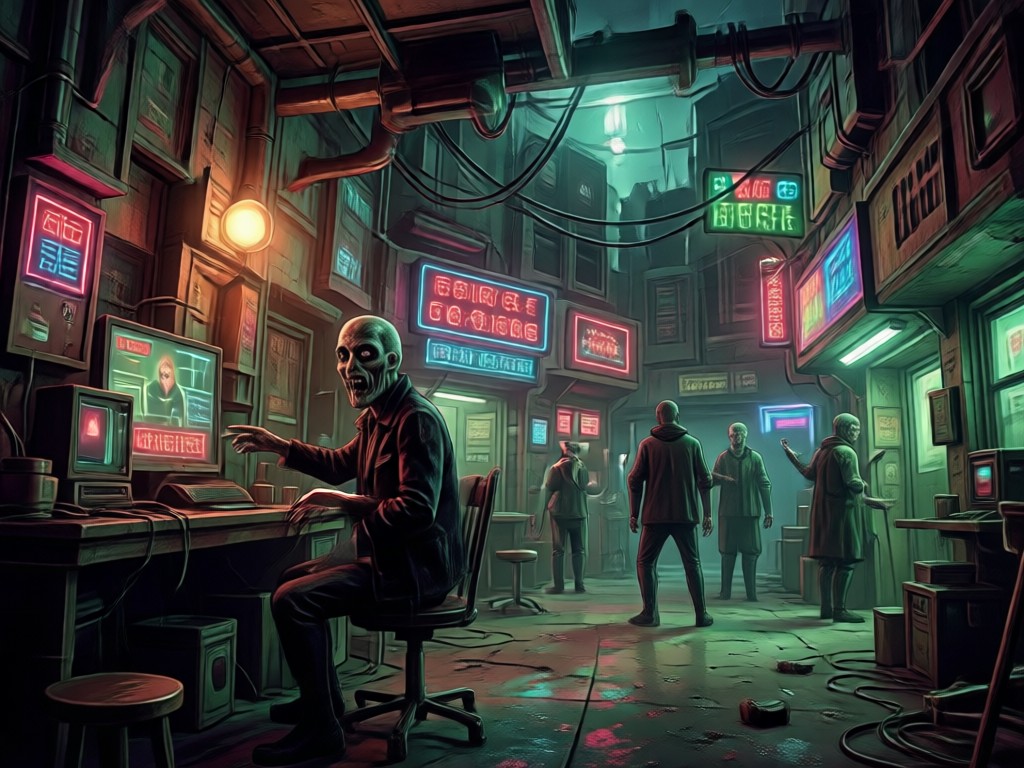
Built for Lo-Fi Horror Creators
Dreamcove puts an entire VHS horror studio in your pocket. You get one tap access to grainy video filters, glitch effects, and text to video tools. Upload an old photo or write a short scene, and the AI adds realistic tracking errors, static, and unsettling motion. No editing timeline, no plugins, just download the app and start creating.
Built for Lo-Fi Horror Creators
Dreamcove puts an entire VHS horror studio in your pocket. You get one tap access to grainy video filters, glitch effects, and text to video tools. Upload an old photo or write a short scene, and the AI adds realistic tracking errors, static, and unsettling motion. No editing timeline, no plugins, just download the app and start creating.
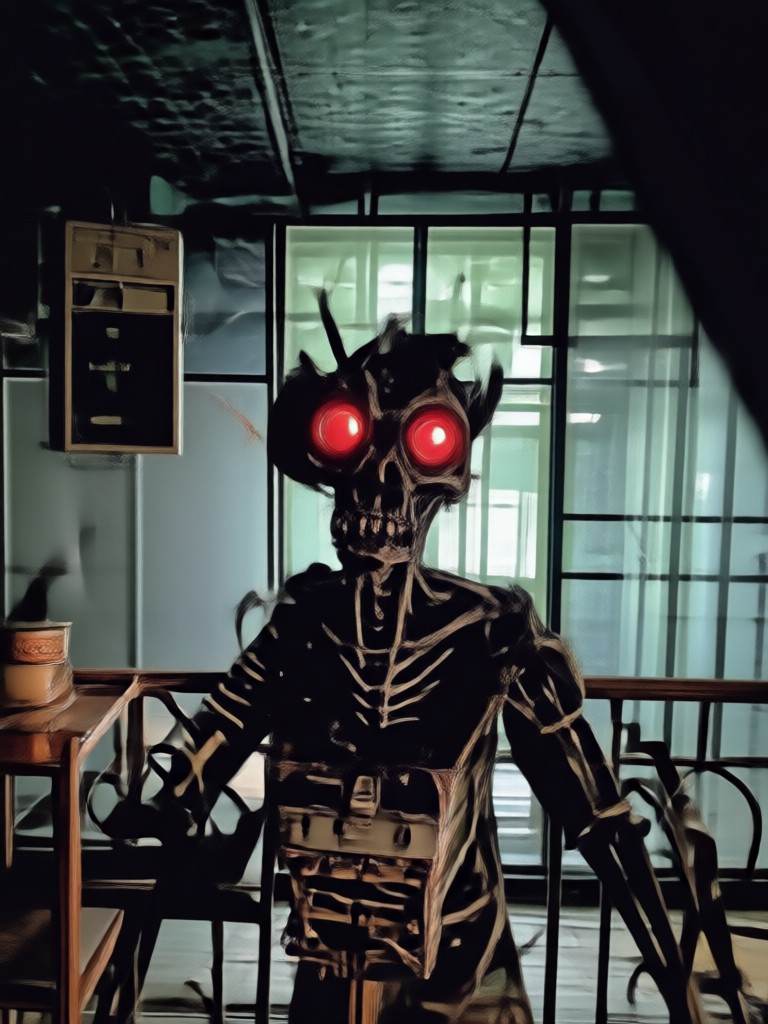
Create Analog Horror on Mobile
Turn your creepiest story ideas into grainy, distorted videos without desktop editing tools or complex software.

Here is What Creators Are Saying
Perfect for my ARG series
I use dreamcove to generate short analog horror clips for my YouTube series. The VHS filters look disturbingly realistic and the text to video tool saves me hours of editing.
Fast creepy results on my phone
Uploaded a photo of a dark hallway and the AI made the lights flicker and added static. It felt like found footage from a real tape. Incredible for quick horror shorts.
No editing skills needed
I typed a simple prompt about a haunted broadcast and got a complete video with glitch effects and scanlines. It is my go to app for unsettling content.
Frequently Asked Questions
Find clear answers to common questions about analog horror video prompts and how to use them with dreamcove.
More Topics You May Like
Explore more analog horror and glitch style ideas to expand your creepy video toolkit.
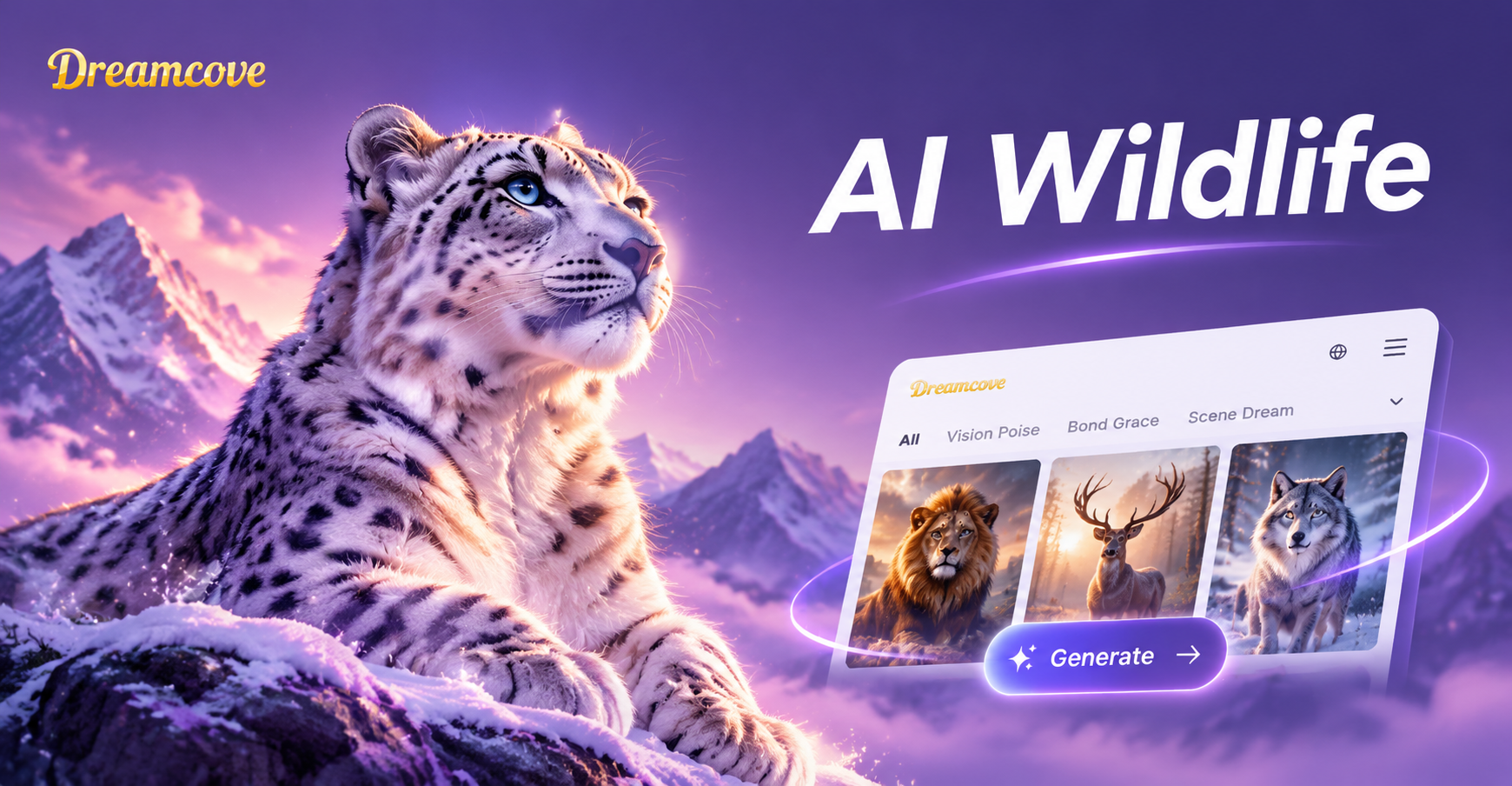
Turn Words Into Majestic Wildlife Art With AI Prompts
Discover AI wildlife image prompts for stunning animal art. Explore photorealistic, watercolor, and cinematic styles. Download the app to create wildlife art in seconds.

Create Stunning AI Wide Shot Photos With These Prompts
Explore AI wide shot photo prompts for cinematic landscapes, full body portraits, and dramatic scenes. Download dreamcove to generate realistic wide angle images in seconds.
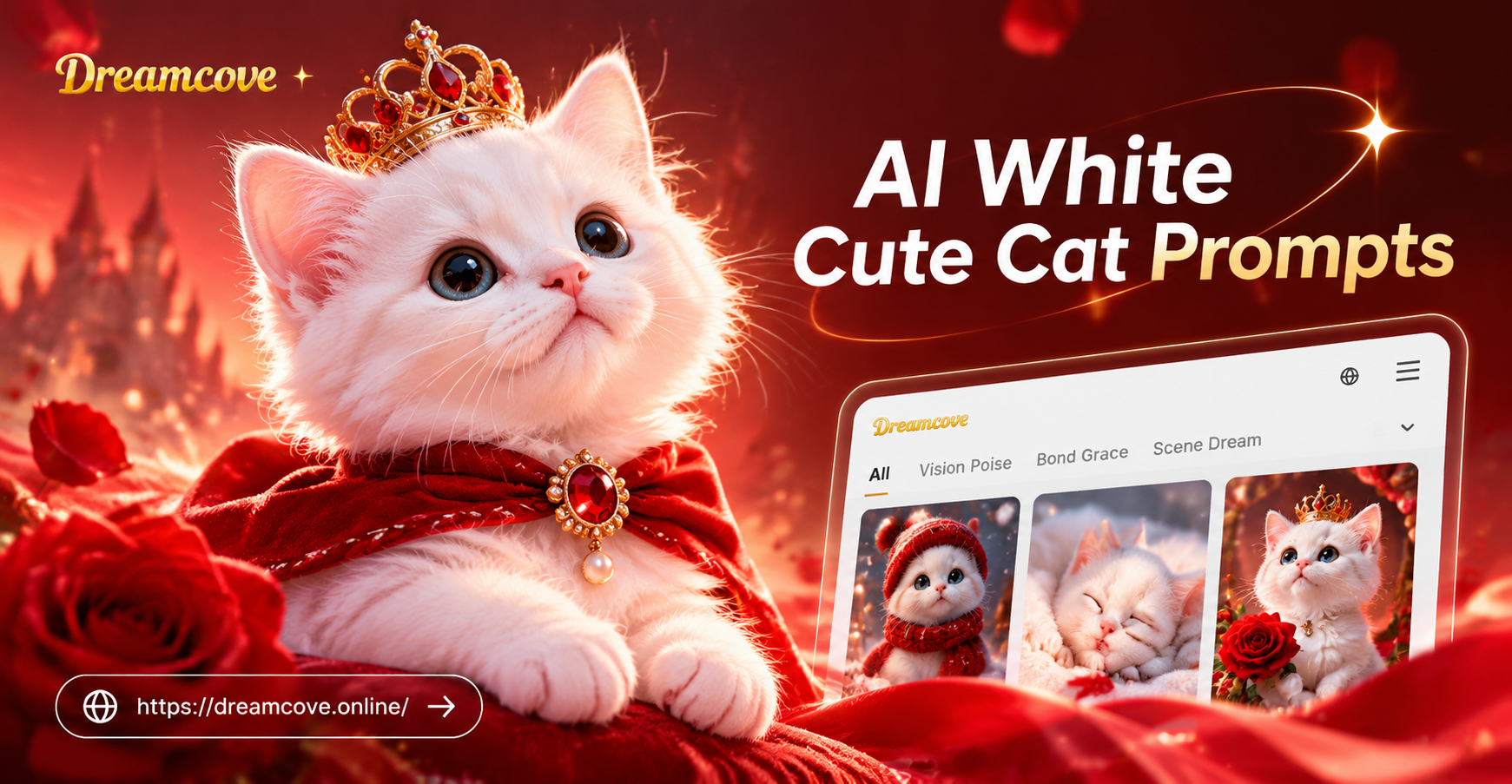
AI White Cute Cat Prompts: Create Adorable AI Cats
Discover the best AI white cute cat prompts for generating adorable, fluffy, and photorealistic cat images. Easy to copy, ready to use, and perfect for all skill levels.
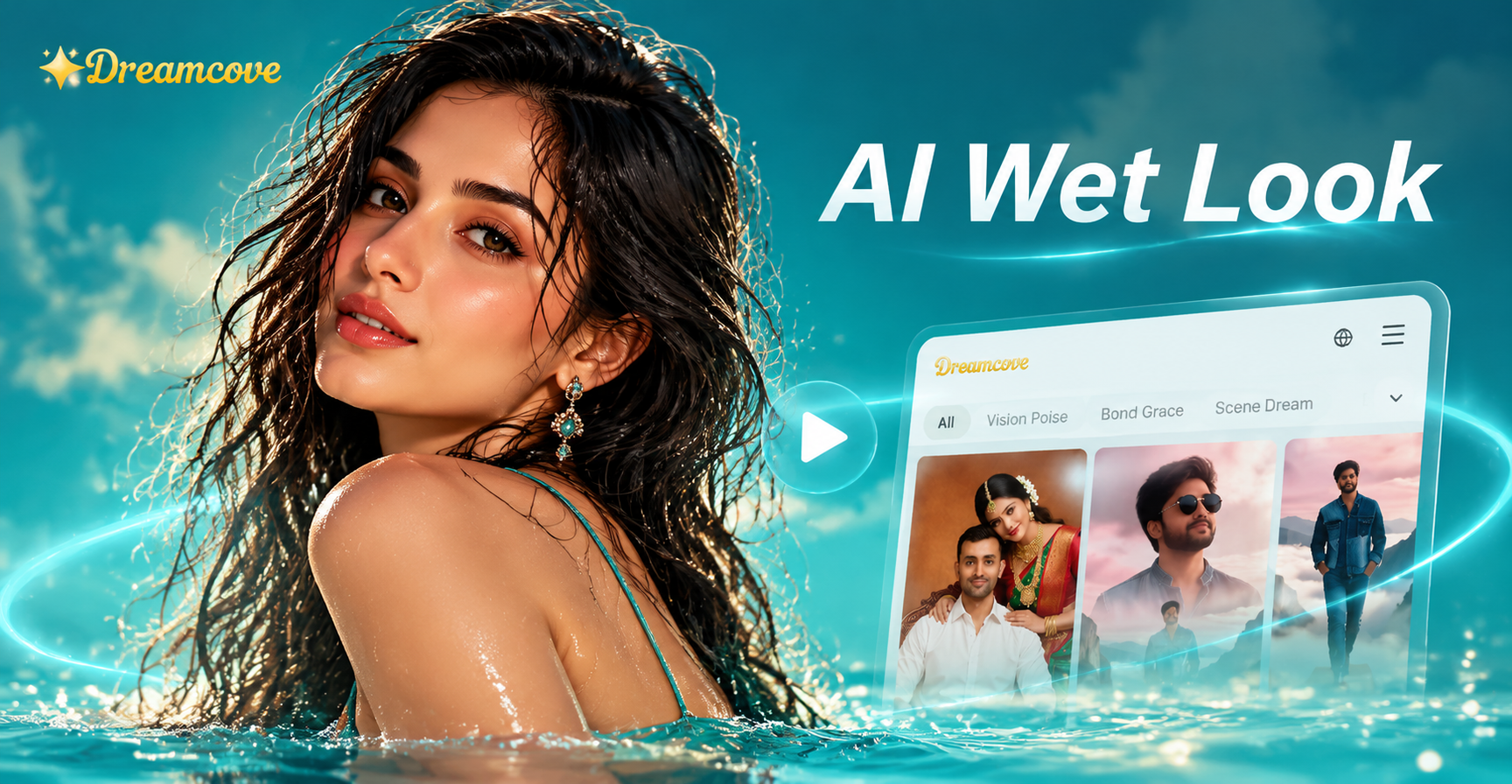
Try AI Wet Look Video Prompts for Glossy Results
Create glossy, rain soaked AI wet look videos with dreamcove. Upload a photo, paste a prompt, choose a style, and generate stunning wet effects in seconds.
Start Creating Analog Horror Now
Open the dreamcove app, paste one of these prompts, pick a VHS filter, and generate your first eerie clip in minutes.
Start Creating Analog Horror Now
Open the dreamcove app, paste one of these prompts, pick a VHS filter, and generate your first eerie clip in minutes.