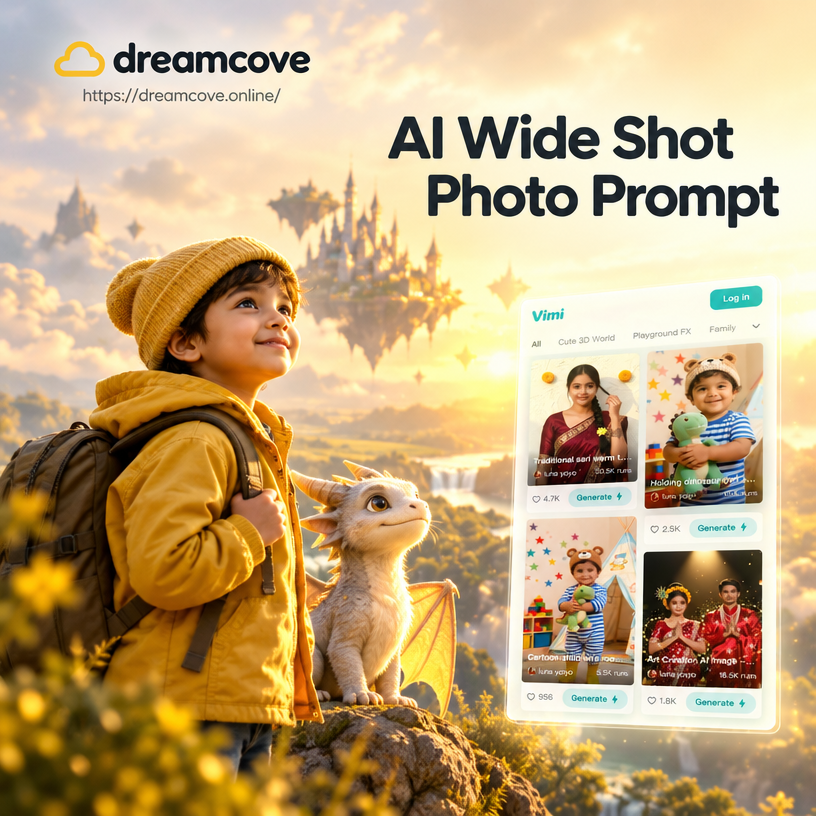
AI Wide Shot Photo Prompt


Choose the Right Style for Your Wide Shot
Pick from cinematic, landscape, portrait, and urban templates to pair with your wide shot prompts. Each filter enhances depth and framing automatically.
Key Features for AI Wide Shot Photo Prompts
Dreamcove turns your wide shot prompts into complete visual stories. Control framing, apply artistic styles, and keep every part of the scene balanced without needing professional photography skills.
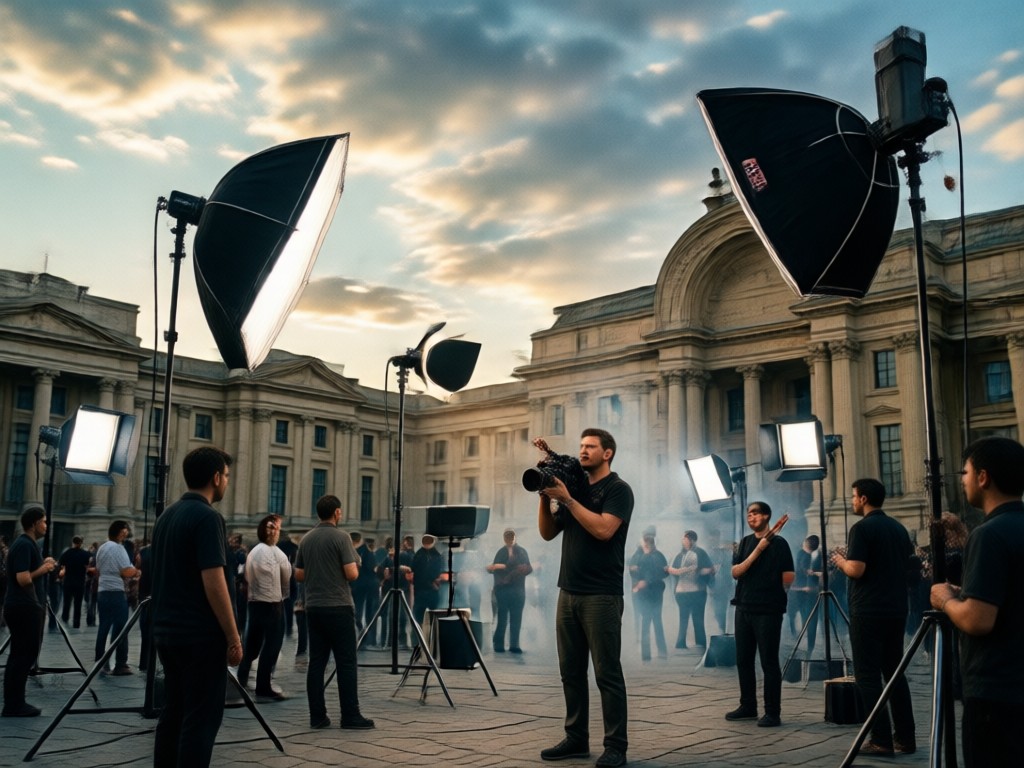
Cinematic Framing Control
Use wide angle and full scene prompts to keep the entire environment visible while preserving subject detail. Perfect for landscapes, interiors, and action shots that need a strong sense of space.
Cinematic Framing Control
Use wide angle and full scene prompts to keep the entire environment visible while preserving subject detail. Perfect for landscapes, interiors, and action shots that need a strong sense of space.
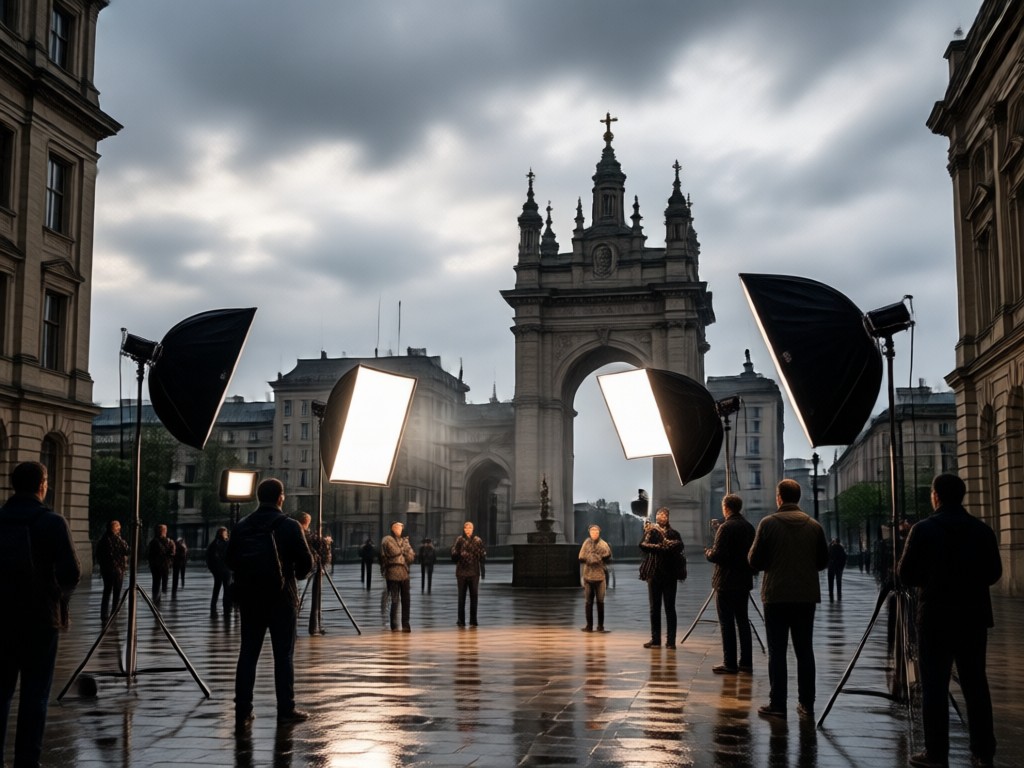
Style Variety for Every Scene
Apply photorealistic, anime, film, or watercolor filters to your wide shot prompts. One prompt can produce multiple artistic looks without changing the composition or losing the expansive view.
Style Variety for Every Scene
Apply photorealistic, anime, film, or watercolor filters to your wide shot prompts. One prompt can produce multiple artistic looks without changing the composition or losing the expansive view.
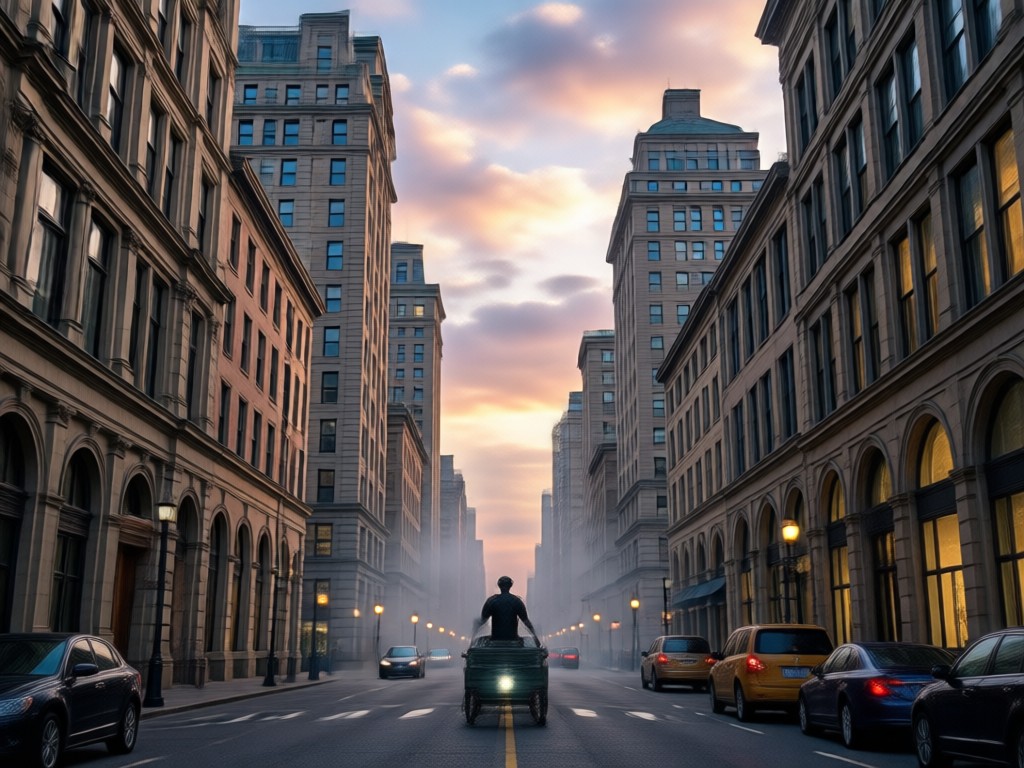
Scene Consistency and Depth
Maintain correct proportions and depth in wide compositions. Dreamcove understands foreground, midground, and background so your wide shots feel natural and immersive every time.
Scene Consistency and Depth
Maintain correct proportions and depth in wide compositions. Dreamcove understands foreground, midground, and background so your wide shots feel natural and immersive every time.
Wide Shot Prompt Style Examples
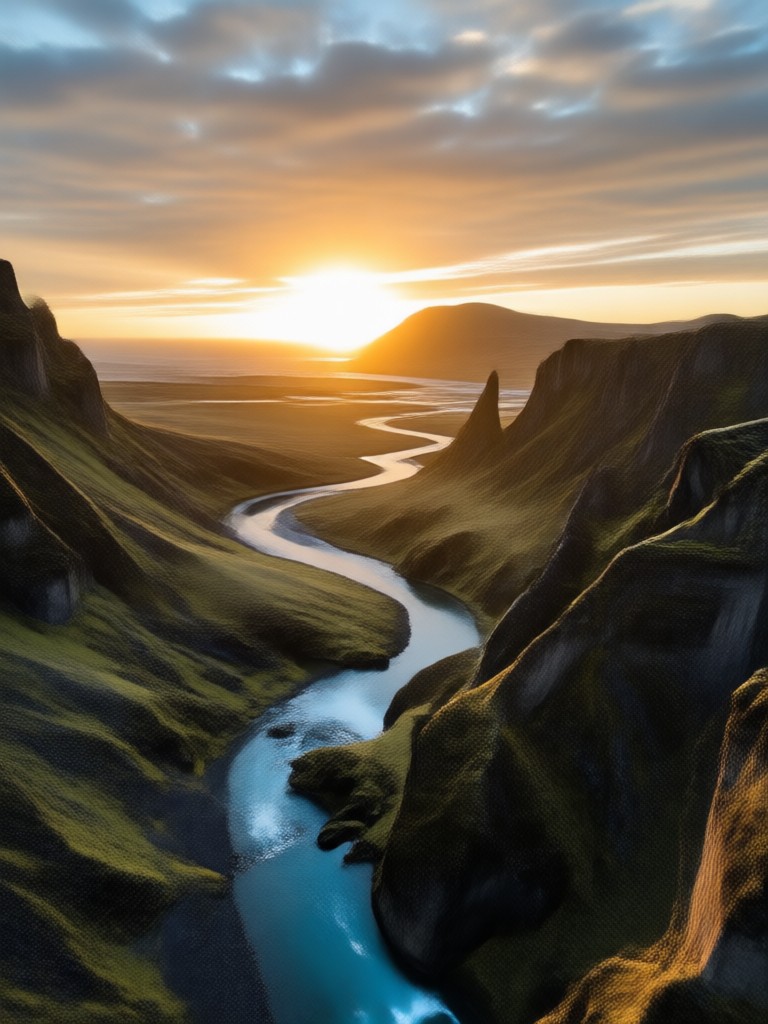
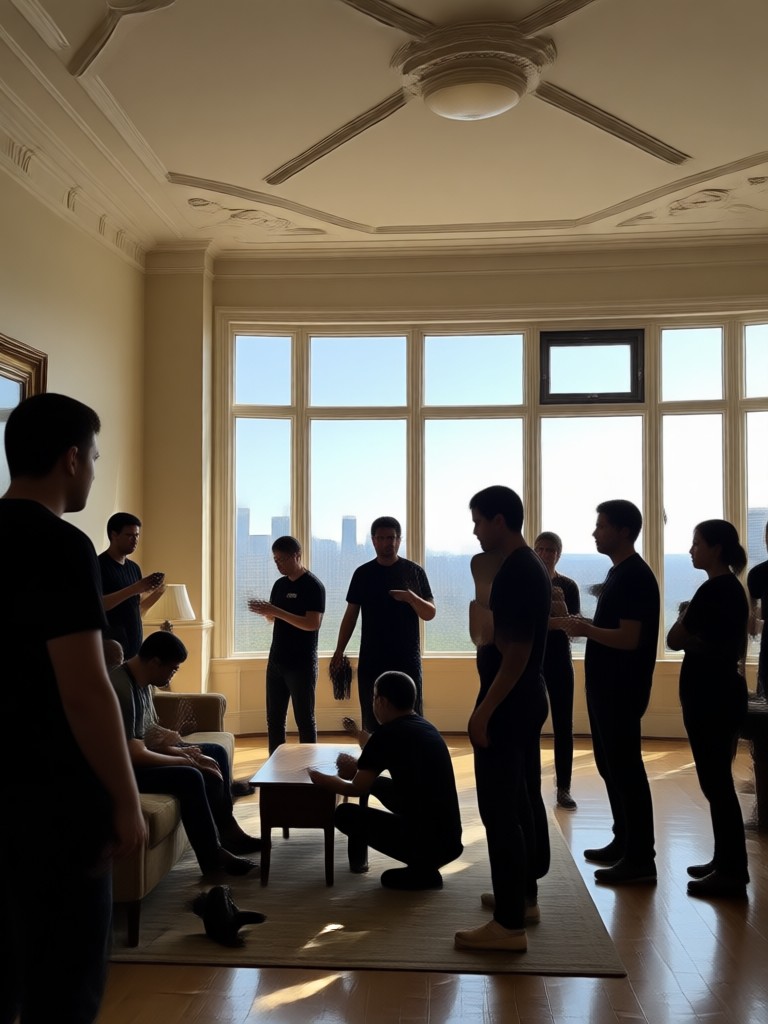
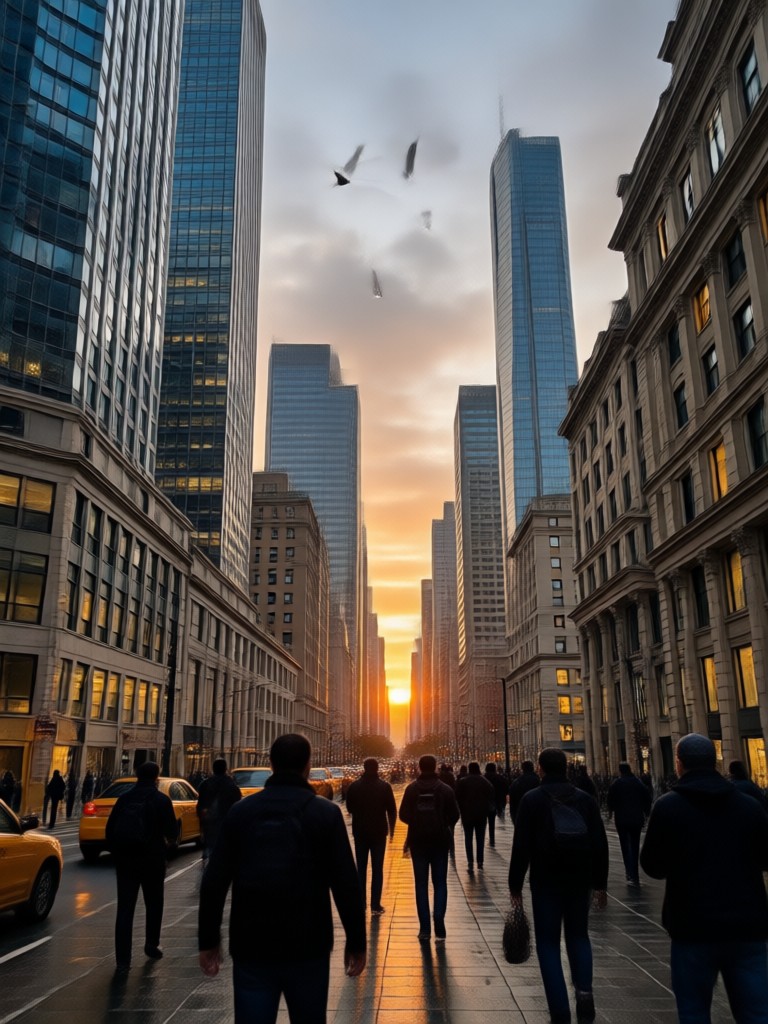
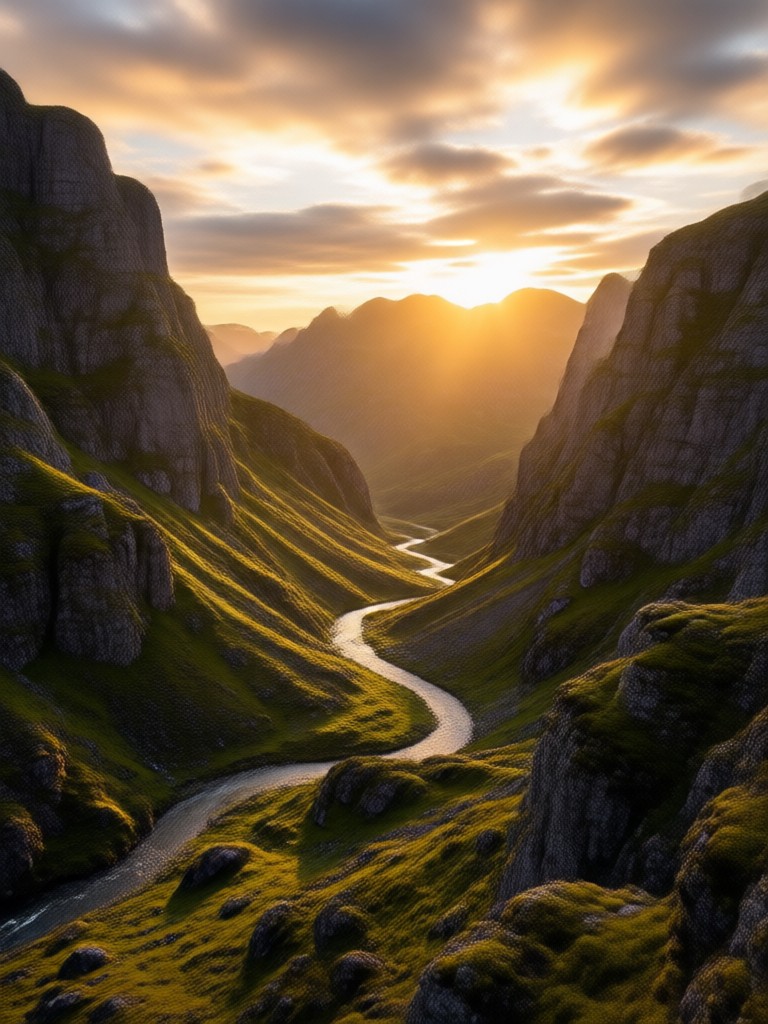
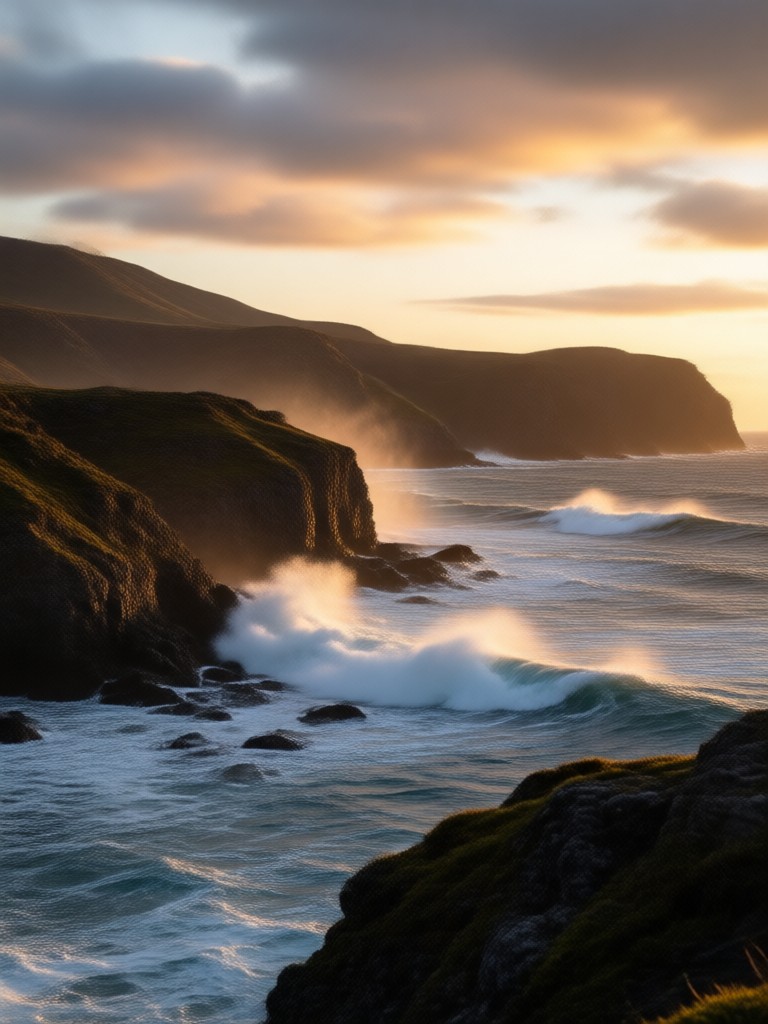
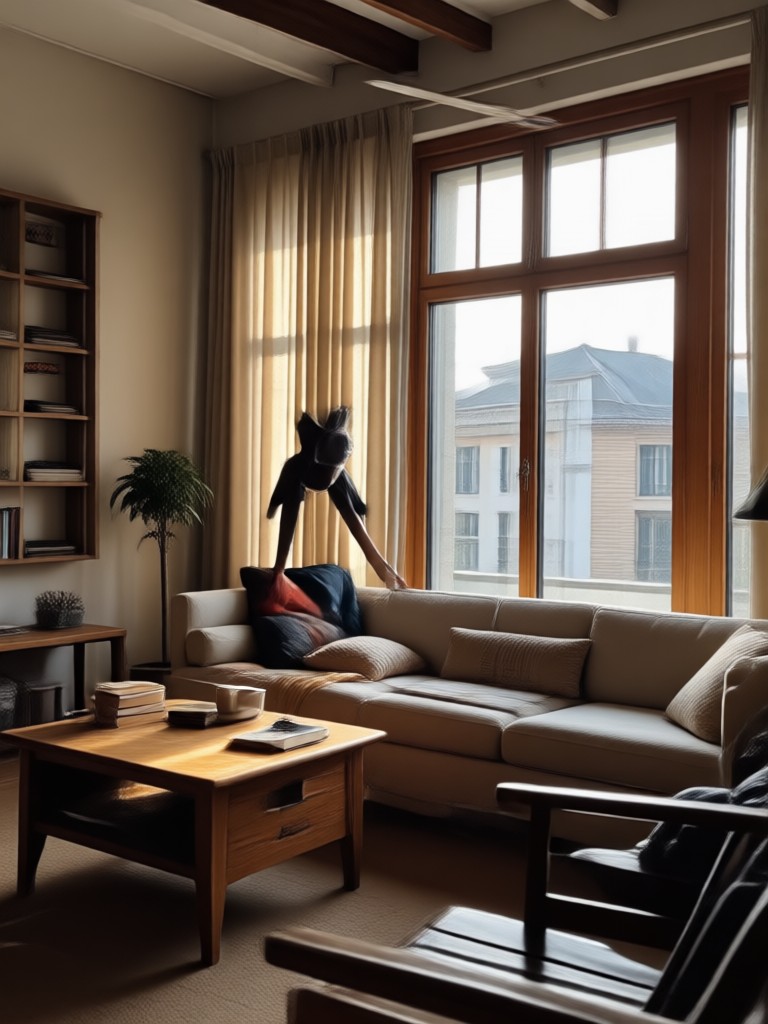
Browse categorized wide shot outputs generated from simple text prompts. Each label shows a style direction you can recreate instantly in the dreamcove app.
How to Create AI Wide Shot Photos
Turn a simple prompt into a dramatic wide angle photo in three easy steps. No camera, lens, or editing experience needed.

Step 01.
Download dreamcove from Google Play and open the AI image generator on your phone.

Step 02.
Type an AI wide shot photo prompt or choose a wide angle style template from the library.

Step 03.
Generate your image, adjust the composition if needed, and save or share your wide shot photo immediately.
Create Cinematic Wide Shot Photos in Seconds
Dreamcove turns your wide shot photo prompts into stunning visuals with one tap. Download the app and start generating today.

Here is What Creators Think About Wide Shot Prompts
Finally my landscapes look cinematic
I typed a wide shot prompt and got a breathtaking valley scene in under a minute. The framing and depth are exactly what I wanted for my travel page.
Perfect for interior design previews
I use wide shot prompts to show full room layouts before renovating. Clients can see the whole space in one image, and the detail is surprisingly accurate.
Great for action and full body shots
The app understands wide compositions without cropping my subjects. My fitness photos look like they were taken with a professional wide angle lens.
Frequently Asked Questions About AI Wide Shot Photo Prompts
Find clear answers about writing, using, and optimizing wide shot prompts in dreamcove.
More Topics You May Like
Explore more topics you may like and discover fresh ideas tailored to your interests.
AI White Cute Cat Prompts: Create Adorable AI Cats
Discover the best AI white cute cat prompts for generating adorable, fluffy, and photorealistic cat images. Easy to copy, ready to use, and perfect for all skill levels.
Try AI Wet Look Video Prompts for Glossy Results
Create glossy, rain soaked AI wet look videos with dreamcove. Upload a photo, paste a prompt, choose a style, and generate stunning wet effects in seconds.
AI Whale Image Prompt Guide: Stunning Ideas to Try Now
Explore 6 creative AI whale image prompts and learn how to craft your own. Discover the dreamcove app for stunning, realistic whale art in seconds.
AI Wes Anderson Poster Prompt: Create Whimsical Art Now
Master the AI Wes Anderson Poster Prompt. Use our style filters and text prompts to make symmetrical pastel posters, whimsical movie art, and retro travel prints.
Start Creating Wide Shot Photos Today
Download dreamcove, enter an AI wide shot photo prompt, and turn your ideas into cinematic wide angle images in seconds.
Start Creating Wide Shot Photos Today
Download dreamcove, enter an AI wide shot photo prompt, and turn your ideas into cinematic wide angle images in seconds.